Browser controller support needs a connection plan
A browser game can read controllers through the Gamepad API, but finding a device is only the start of supporting it well.
A browser game can read controllers through the Gamepad API, but finding a device is only the start of supporting it well.
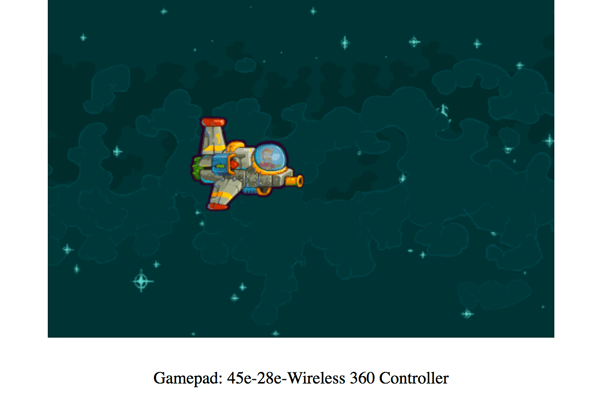
MDN documents connection and disconnection events, a Gamepad object and a method for retrieving the controllers known to a page. An already connected controller may become visible after the player presses a button or moves an axis on the focused page.
Browser behaviour matters. Firefox exposes controllers after interaction with the visible page as a privacy measure. A game that assumes every device is immediately listed can therefore show an unnecessary failure state.
The product response is straightforward: give players a clear activation prompt, update the interface when a controller disconnects and provide another way to navigate menus. Keep the latest controller state aligned with the game's update loop.
Then test the actual combinations of browser, operating system and hardware the game intends to support. General API availability does not establish that every mapping, button label or optional feature behaves identically.
- browser
- controllers
- web